-
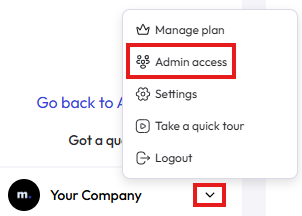
Click on the little arrow, in the bottom left of the page and then Admin access.
- Click on Add a new member button, in the top right of the page.
- Enter the Name and Email of the person to be invited and click Add.
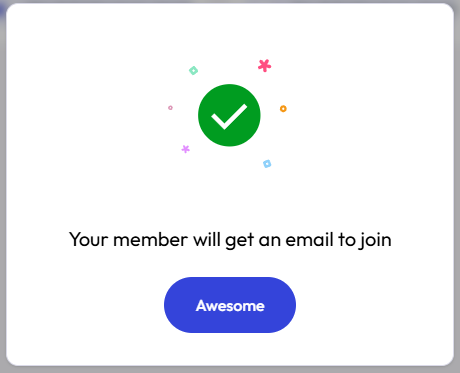
- You should see the success message. Click Awesome to close the popup.
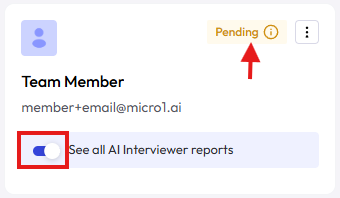
- If want this new team member to only have access to interview reports for jobs owned by the member, disable the toggle that says See all AI Interviewer reports.
- The card also shows if the invitation is Pending or if the person already Joined your team.