Receive Applications
Whenever you create a job, you will have the ability to copy the application link to that job and share it with candidates. To copy the application link, open the job and click on the copy button on the top left corner of the screen, and then click where it says Copy candidate application link.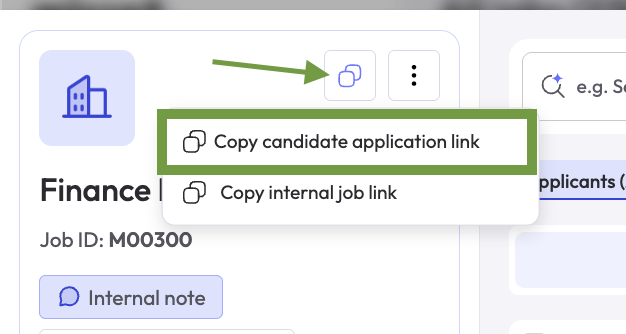
Import Candidates
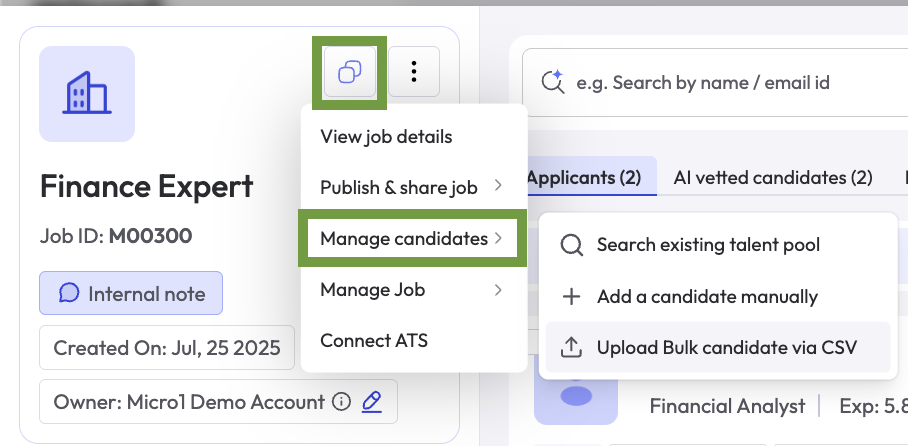
You can import/upload candidates in 3 ways:- Upload candidate resume in PDF or Word format
- Bulk upload list of candidates in a CSV file
- Import candidates from ATS connection