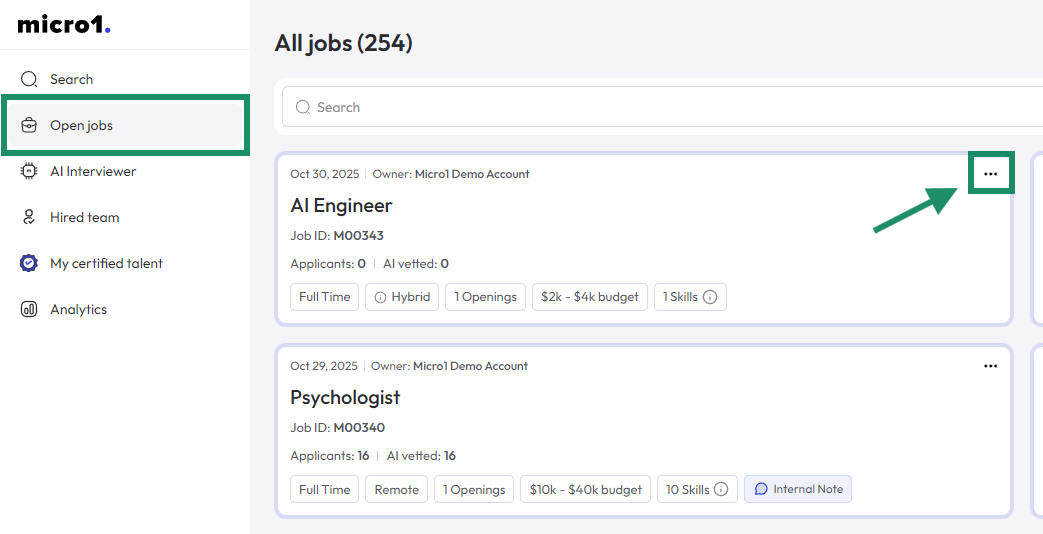
- Click on Open jobs in the left navigation bar.
- Click on the 3 dots (…) in the top right corner of the job.
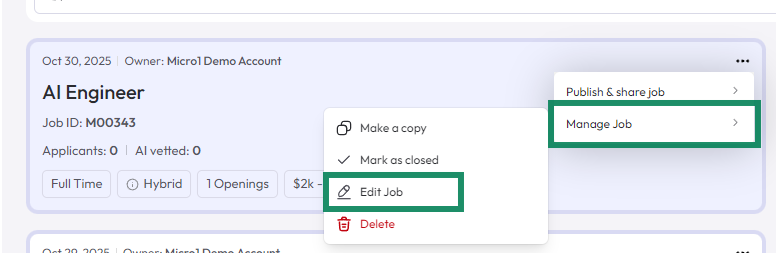
- Hover the mouse over the Manage Job option.
- Click on Edit Job.
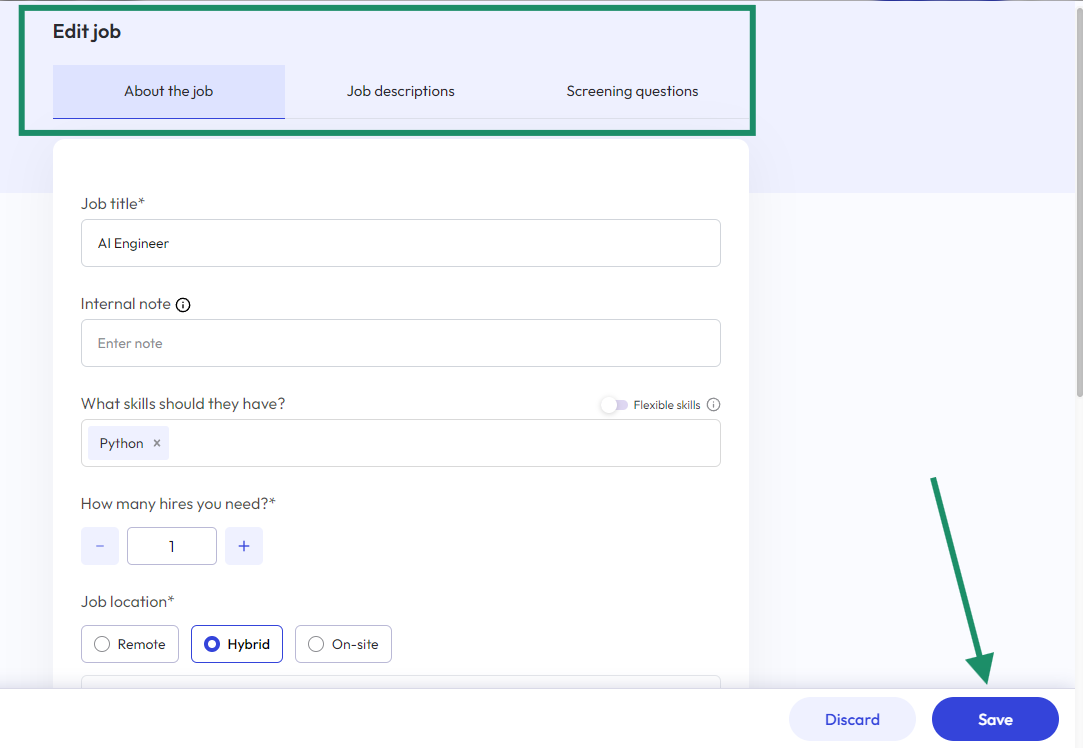
- Select which section you want to edit, change the content, and don’t forget to click Save on the bottom right corner of the screen once you’re done editing.