- Go to Settings by clicking the arrow in the bottom-left corner of your page.
- Inside Settings, click the AI Interviewer tab.
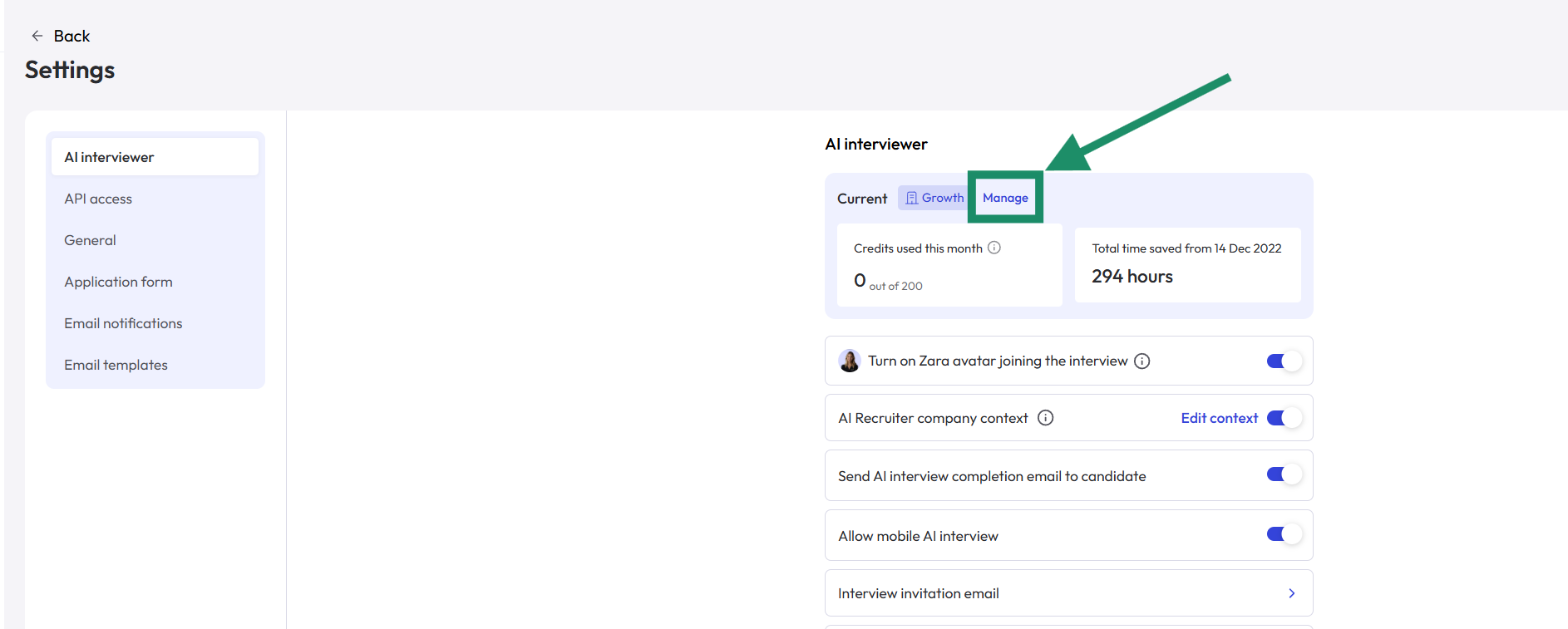
- At the top of the page, click Manage your AI Interviewer plan.
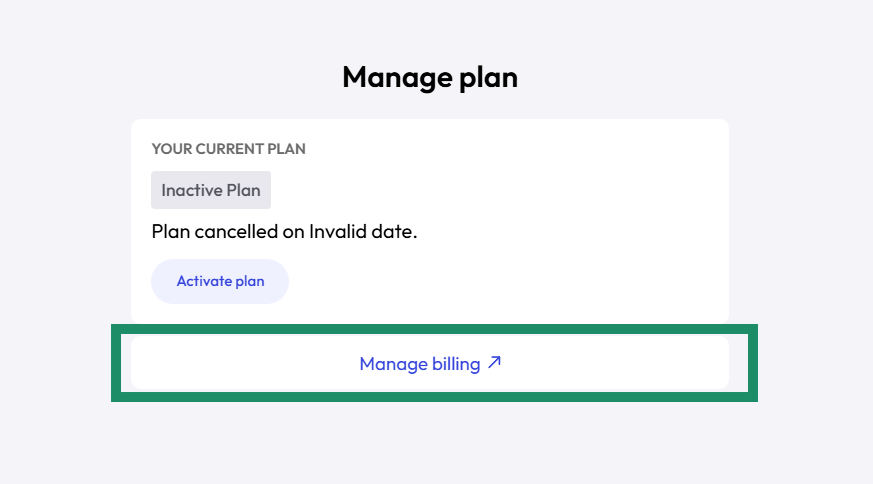
- In this section, you can view your plan details and manage billing. Click the Manage Billing button.