

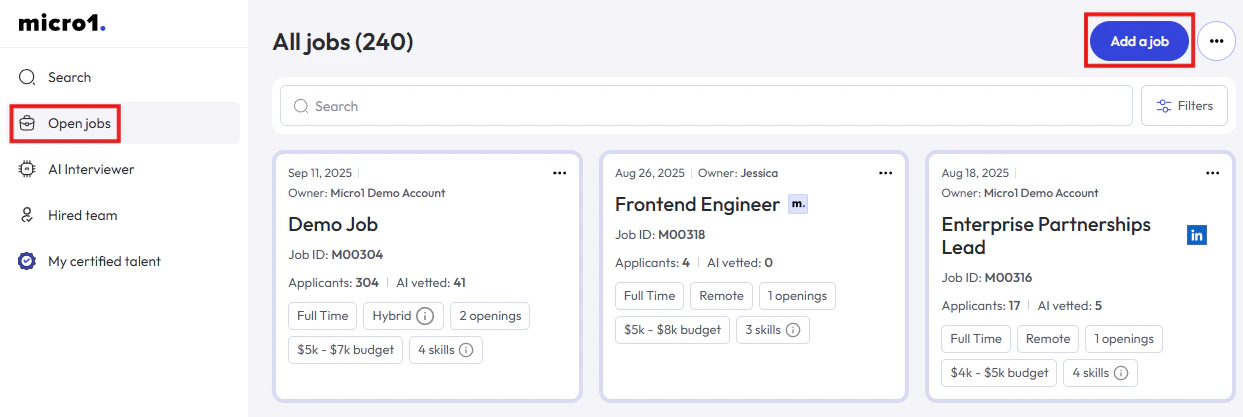
- Click on Open jobs in the left navigation bar.
- Click on Add a job in the top right of the page.
- Fill the information about your job and click Next.
-
Add some extra details about your job (not visible publicly).
This information will be used to calculate the resume and AI match score of the candidate and also guide the system to produce an AI generated Job Description. -
Wait for the AI to create a Job Description based on the information you provided.
You can review and update the Job Description using the text editor. - Optionally, add Screening Questions or select an existing Screening Form.
- Optionally, select to which Job Boards you want to publish your job. You can close the popup window without publishing the job if you are not ready to publish or if you prefer to send the link for candidates to apply using alternative methods.
- After job is ready you need to Create an AI Interview.